Local and account-private
MCP credentials, settings and history stay in your Windows account’s private LocalAppData area by default.
Discover MCP servers, scan and verify before installing, then connect Claude, Cursor, VS Code, Codex and ChatGPT through one gateway. Runtimes, updates and tool calls stay in one dashboard.
Power-Boost tools join the live catalog, connector path rewrites no longer cause 404s, cancelled HTTP calls cannot corrupt the connection pool, and fast dispatch keeps every tool reachable.
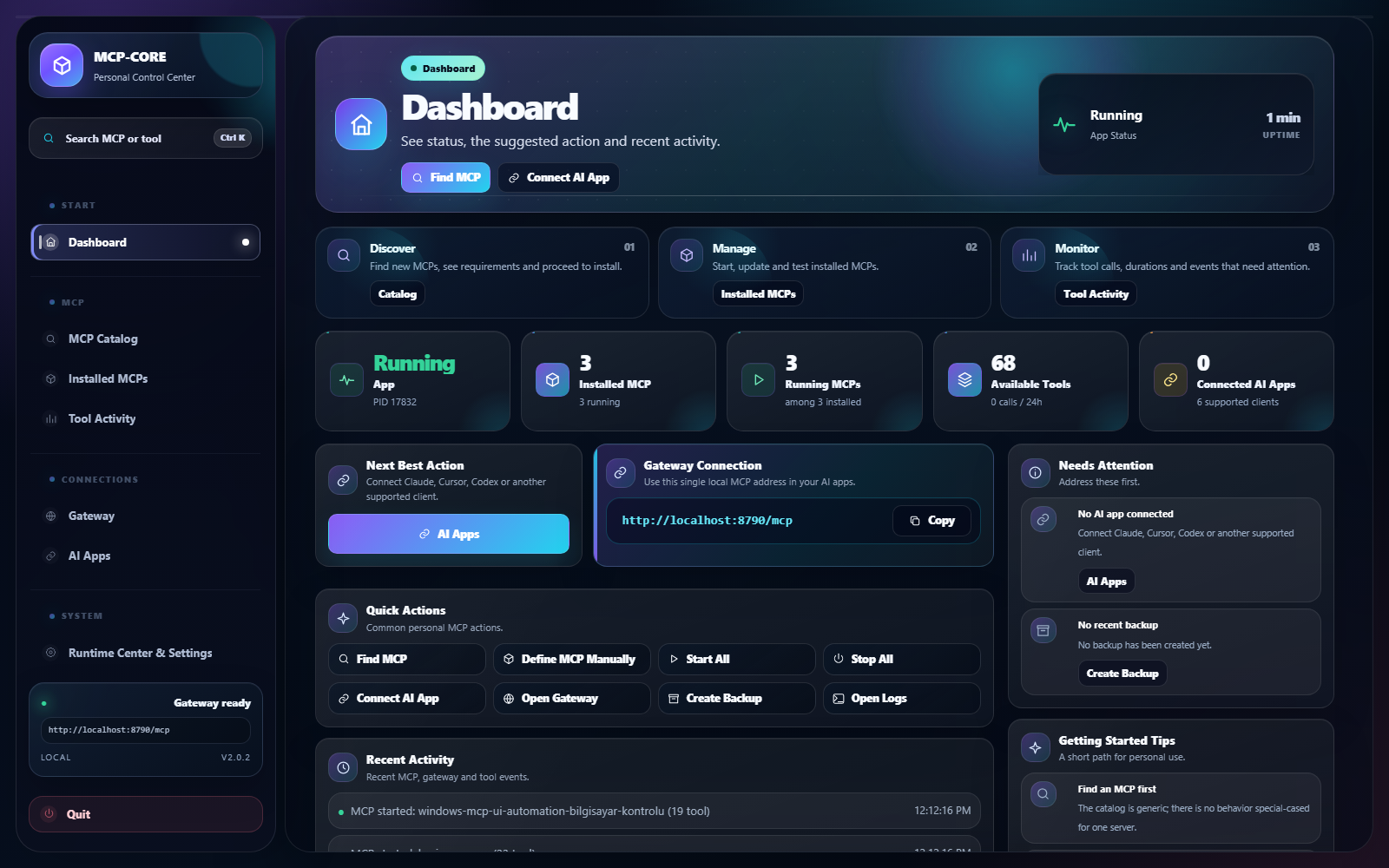
A local, personal MCP manager for Windows. From a simple dashboard you discover MCP servers, install them with one click, connect AI apps through a single local gateway URL, and monitor running tool calls. No cloud account, no enterprise setup.
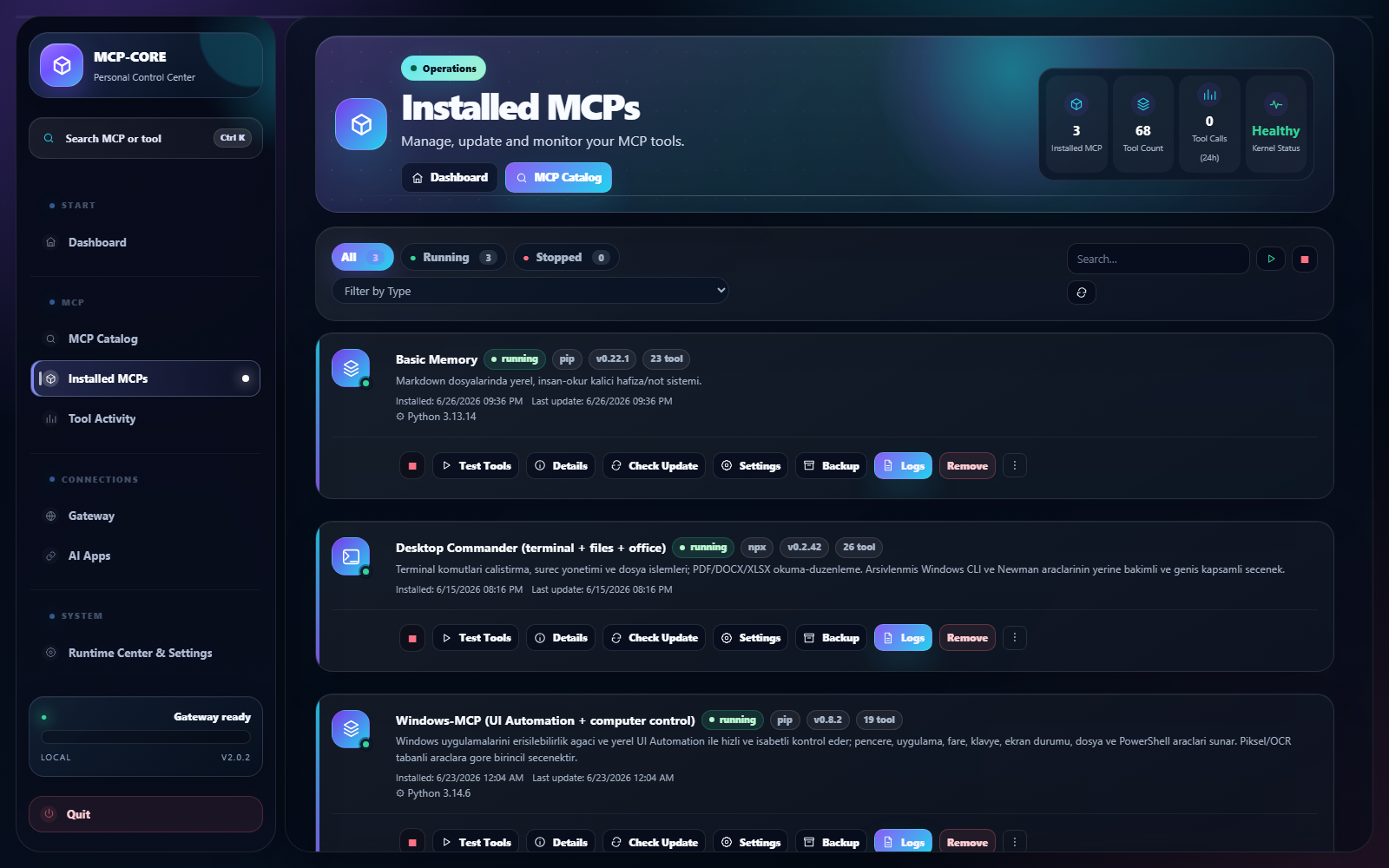
Manage MCP tools without command-line friction, using a local and reversible lifecycle.
MCP credentials, settings and history stay in your Windows account’s private LocalAppData area by default.
Runtime and field requirements are checked first; initialize and tools/list calls prove that the installed server really works.
Updates, repairs, backups and AI-client connections use safe transaction boundaries with rollback support.
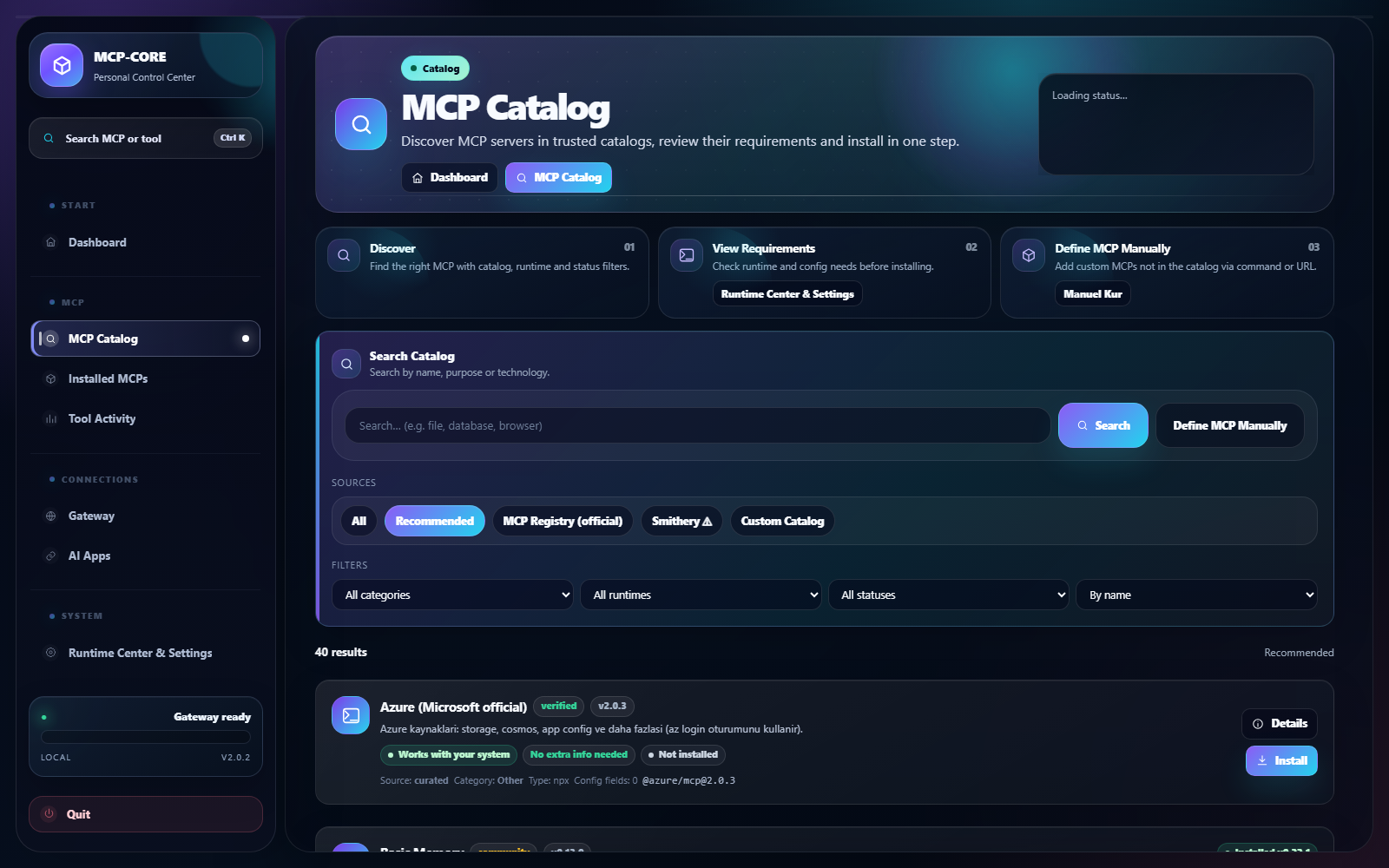
Find MCP servers from a simple personal catalog.
Install the MCP you picked locally with one click.
Connect AI apps through one local gateway URL.
Watch tool calls and status from one dashboard.
Find MCP servers from a simple personal catalog.
Scans catalog and manual MCP recipes first, then installs after validating runtimes and fields.
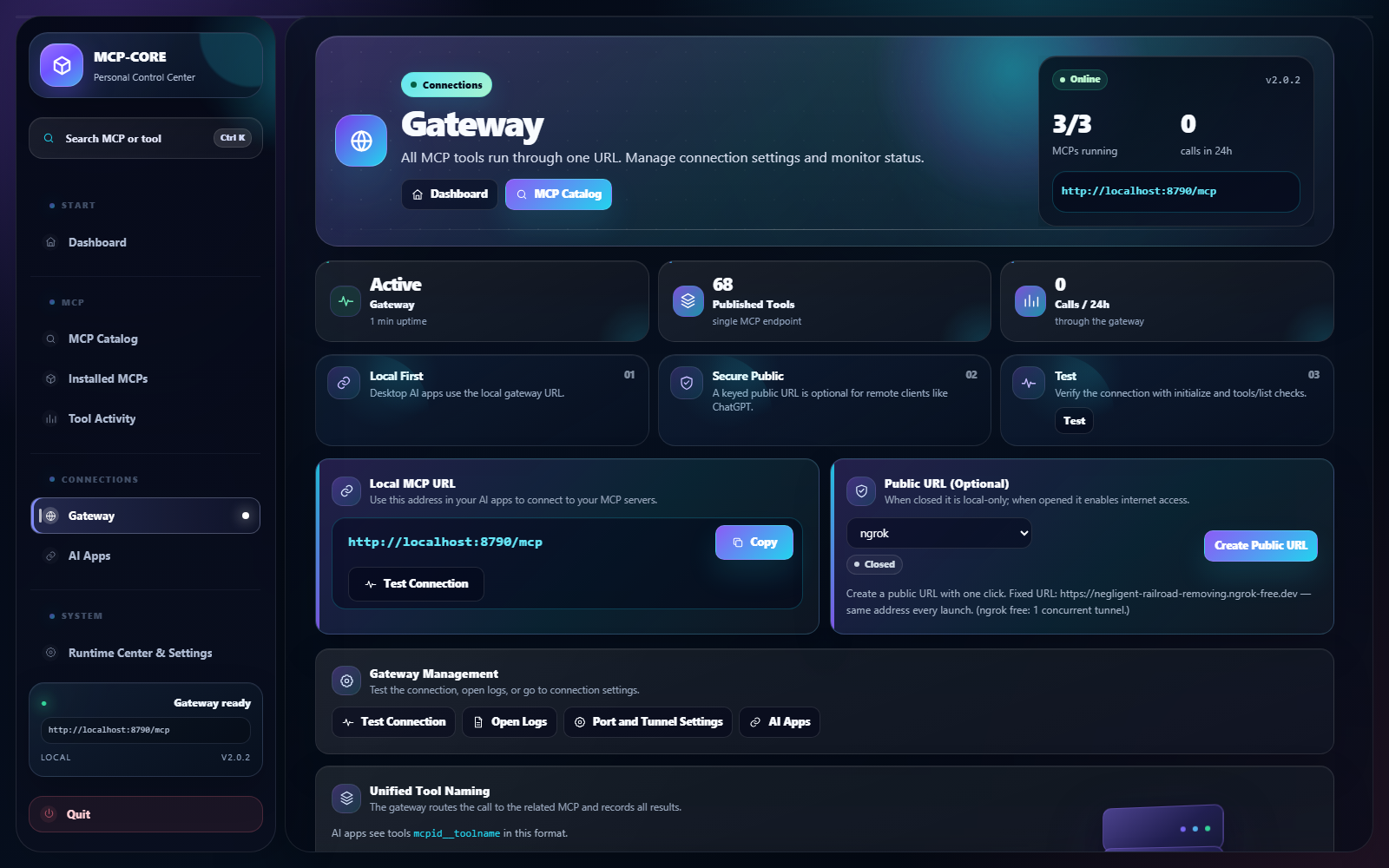
One local gateway URL for all of your MCPs.
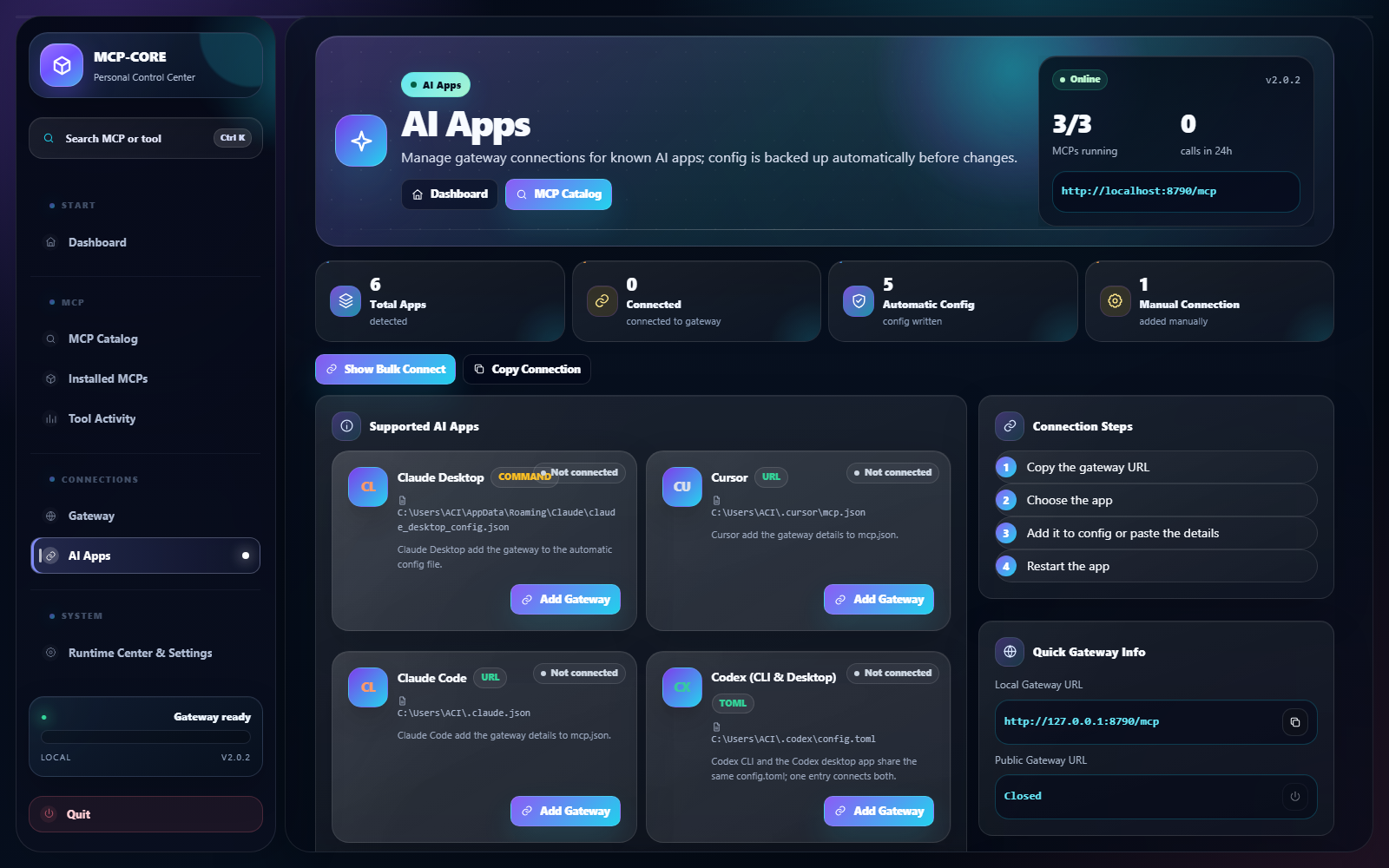
Connection helpers for Claude, Cursor, VS Code, Codex.
Watch recent tool calls live from the dashboard.
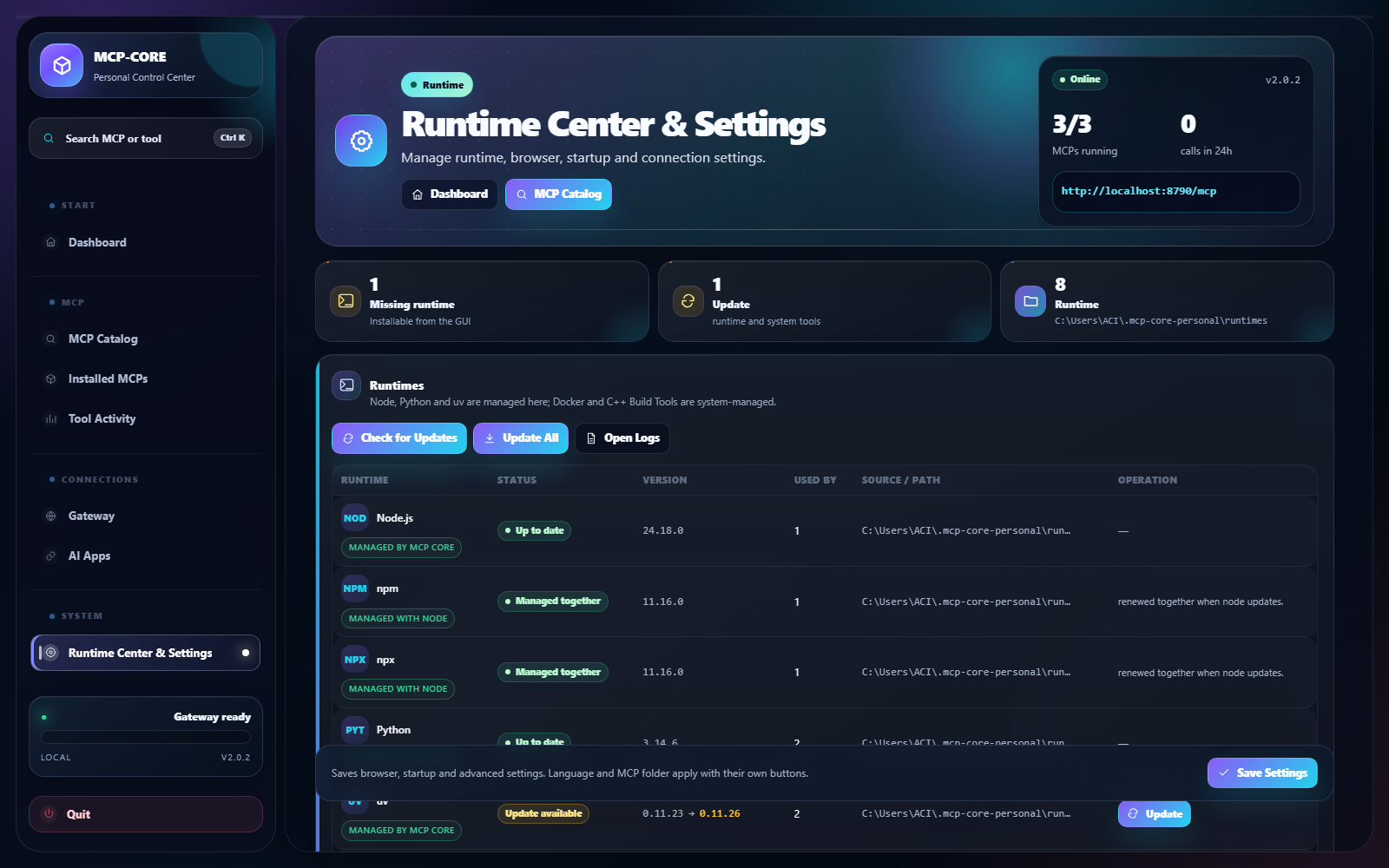
Install missing runtimes and update existing ones in the GUI.
Back up and restore your installed MCPs and settings.
Checks new-release metadata and SHA-256, with publisher verification for signed packages.
Real in-app screens.
Currently available for Windows only.
v2.1.1 passed its build and smoke checks. This installer is unsigned, so Windows may show a security warning. You can verify file integrity with the SHA-256 value below.
Yes. It is a free Windows app for personal use.
Windows 10/11 (x64) only for now. macOS and Linux are not planned.
The app is local; your MCPs, settings and history stay on your computer. The website only provides product info, downloads and update metadata.
When needed, the app can install runtimes such as Node.js / Python for you; you manage them from the Runtime Center.
Where applicable, MCP-capable apps such as Claude, Cursor, VS Code, Claude Code, Codex and ChatGPT.
Yes. A command, npm/Python package, Docker recipe or HTTPS server.json URL is scanned without executing code; you review the detected fields before installation.
No. The app runs locally; credentials and MCP data stay in your Windows account’s private directory. Network access is used only for the MCP services you choose.
The update is applied transactionally. If its protocol probe fails, the previous working package, manifest and running state are restored.
Free for Windows. Download the current stable installer or read the quick-start documentation first.